How to Use Expiry, Passwords, and Access Rules to Protect Links
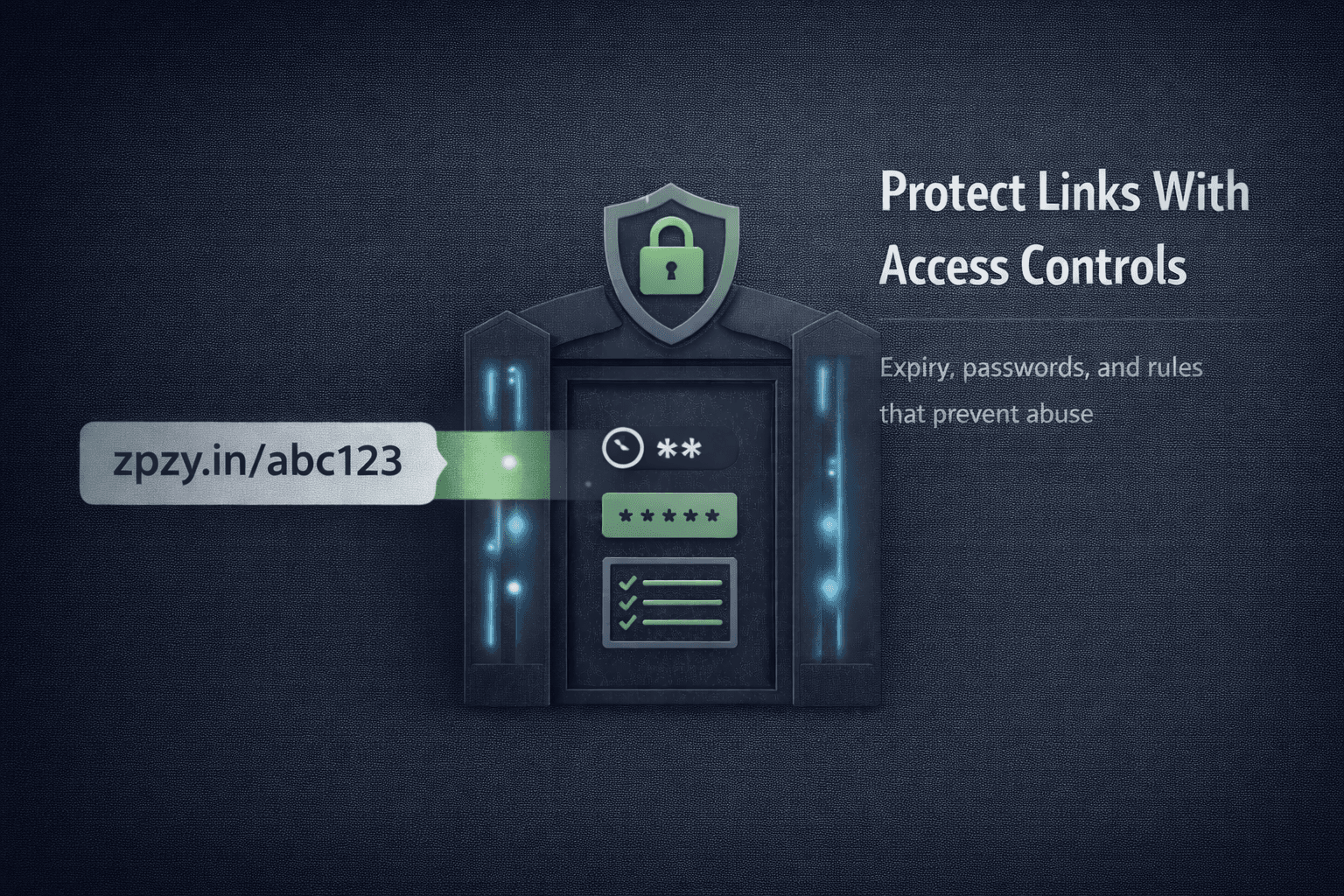
Most teams think links are harmless.
They aren’t.
Every public link is an access point—and once it’s shared, you lose control unless safeguards are in place. This is how links leak, campaigns get abused, and sensitive pages spread far beyond their intended audience.
This guide explains when links become a liability, how access controls actually work, and how to protect links without breaking user experience.
When Links Become a Risk
Links turn risky in predictable situations:
- Limited-time promotions
- Internal documents shared externally
- Early-access or beta launches
- Paid or gated content
- Compliance-sensitive pages
- Campaigns meant for specific audiences
Without controls, links spread beyond scope—and you can’t pull them back.
The False Assumption: “Nobody Will Share It”
This assumption always fails.
Links get shared:
- In group chats
- Across teams
- On social media
- In screenshots
- In forwarded emails
Most leaks aren’t malicious.
They’re accidental.
Infrastructure must assume leakage will happen.
Control #1: Link Expiry (Time-Based Access)
Expiry limits how long a link works.
Use expiry when:
- Campaigns end on a specific date
- Offers are time-bound
- Links should stop after launch
- Compliance requires automatic shutdown
When a link expires:
- Access stops automatically
- Old shares become harmless
- No manual cleanup is needed
Static links can’t do this.
Dynamic links can.
Control #2: Password Protection (Audience Gating)
Password-protected links restrict access to intended users.
Use passwords when:
- Sharing private resources
- Sending preview links
- Distributing early-access content
- Protecting internal dashboards
Passwords add friction—but intentional friction.
If someone isn’t meant to access the link, they shouldn’t get in by accident.
Control #3: Access Rules (Context-Based Control)
Advanced access rules allow conditional access.
Common examples:
- Allow only specific countries
- Block known VPN or proxy traffic
- Restrict access by device type
- Limit number of clicks per user
These rules prevent abuse without affecting legitimate users.
Instead of reacting to problems, you prevent them.
Why Static Links Can’t Be Secured
Static links have no logic layer.
They:
- Can’t expire
- Can’t enforce passwords
- Can’t apply rules
- Can’t be revoked
Once shared, they’re uncontrolled forever.
Security requires dynamic decision-making at click time.
The Balance: Security Without Killing Conversions
Poorly implemented security hurts conversion.
Good implementation:
- Uses expiry only when necessary
- Applies passwords selectively
- Blocks abuse silently
- Keeps legitimate access smooth
Security should be invisible to the right users—and absolute for everyone else.
Where ZipZy Fits
ZipZy provides access controls at the link level, not the page level.
This allows you to:
- Set expiry on links and QR codes
- Protect links with passwords
- Apply access rules dynamically
- Disable access instantly if needed
- Keep analytics intact while enforcing controls
Protection happens before the destination loads—where it matters most.
A Practical Rule of Thumb
If a link meets any of these conditions:
- Time-limited
- Audience-limited
- Revenue-related
- Compliance-sensitive
It should never be public and permanent.
Links are not just navigation.
They’re permissions.
If you don’t control:
- when a link works
- who can access it
- how it can be abused
You’re trusting chance with your campaigns.
Expiry, passwords, and access rules aren’t advanced features.
They’re basic safety infrastructure.