How to Track Offline-to-Online Conversions Using QR Codes
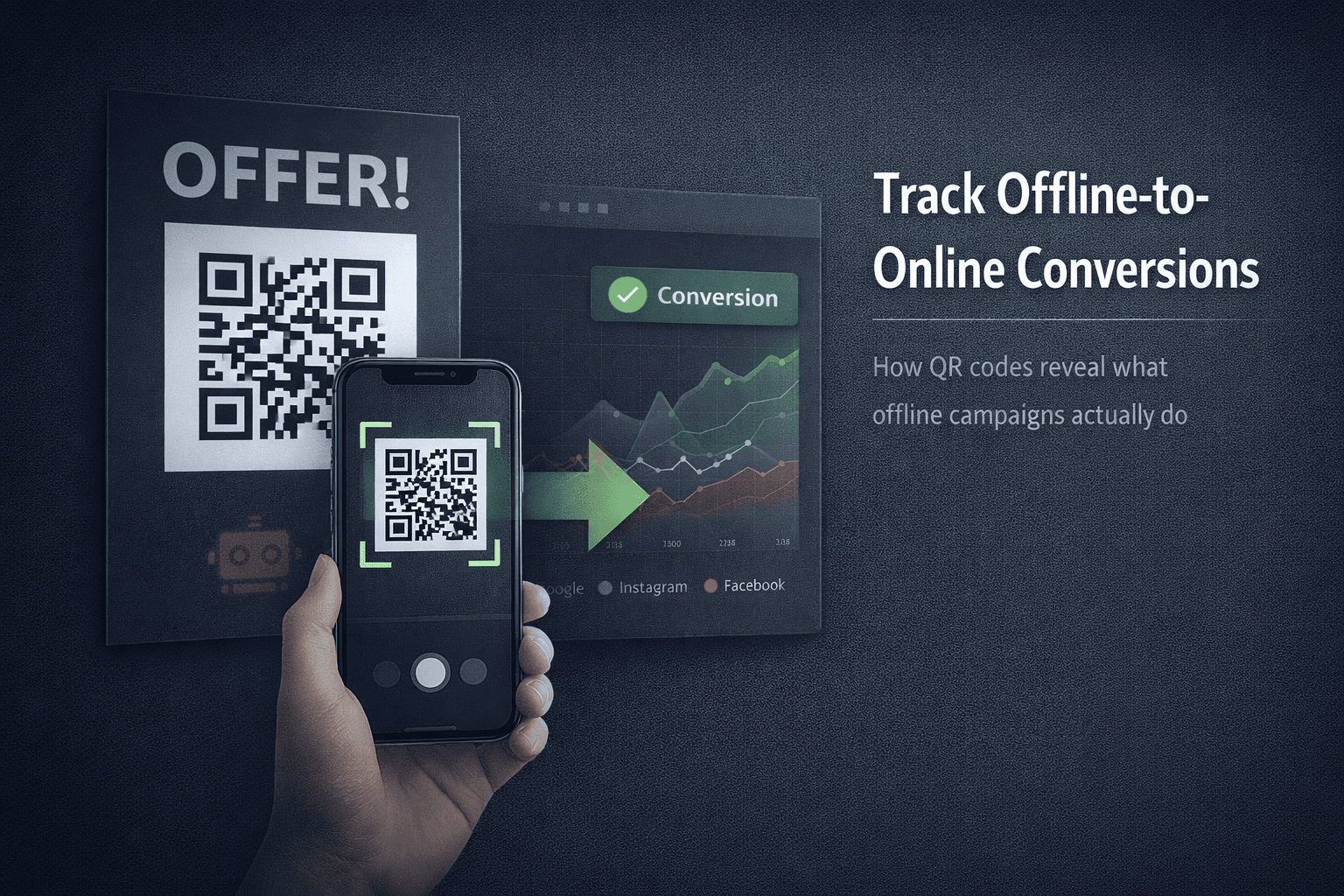
Offline marketing usually dies in the dark.
You print flyers.
You place posters.
You run packaging inserts.
You add QR codes everywhere.
And then someone asks the obvious question:
“Is this actually working?”
Most teams can’t answer that—because traditional analytics weren’t built for offline-to-online tracking. This guide explains how QR tracking really works, why most QR codes give useless data, and how to track real conversions instead of guesses.
The Core Problem With Offline Campaigns
Offline traffic doesn’t come with referrers, cookies, or UTMs by default.
That creates blind spots:
- You don’t know where scans came from
- You can’t compare locations or materials
- You can’t attribute conversions
- You can’t optimize what you can’t see
Most QR campaigns fail not because people don’t scan—but because teams can’t measure impact.
Why Basic QR Codes Are Useless for Tracking
Most QR codes are static.
They:
- Point directly to a URL
- Can’t be updated once printed
- Provide no scan context
- Break attribution completely
At best, you see traffic in Google Analytics.
At worst, you see nothing.
You don’t know who scanned, where, when, or why.
What Actually Makes QR Codes Trackable
To track offline-to-online properly, QR codes must route through a trackable link layer before reaching the destination.
That layer captures context such as:
- Scan time
- Location (country / city level)
- Device type
- Campaign or placement identifier
Without this layer, QR scans are invisible.
Step 1: Use Dynamic QR Codes (Non-Negotiable)
Dynamic QR codes do not embed the final URL.
Instead, they:
- Point to a short link
- Allow destination updates without reprinting
- Enable analytics before redirection
Static QR codes lock you into blind campaigns.
Dynamic QR codes give you control.
Step 2: Assign One QR Code Per Placement
If you reuse the same QR everywhere, your data is meaningless.
Correct approach:
- One QR for each location
- One QR for each print material
- One QR for each campaign version
This lets you answer:
- Which store converts best?
- Which poster placement works?
- Which packaging drives repeat visits?
Granularity is the difference between insight and noise.
Step 3: Track Scans Before the Landing Page
Most analytics tools only track after a page loads.
QR analytics must capture data:
- Before page render
- Before cookies
- Before JavaScript
Why this matters:
- Slow pages lose data
- Blockers hide users
- Previews distort metrics
Link-level tracking solves this.
Step 4: Separate Real Users From Noise
QR scans include:
- Camera previews
- Bot crawlers
- App pre-fetches
Without filtering:
- Scan counts inflate
- Conversion rates collapse
- Decisions get distorted
Good QR analytics separate:
- Preview scans
- Automated requests
- Human interactions
Clicks alone are not conversions.
Step 5: Connect Scans to Conversions
A scan is not success.
Success is what happens after the scan:
- Signup
- Purchase
- Download
- Visit duration
- Return visit
QR tracking must integrate with landing pages and funnels so scans connect to outcomes—not just numbers.
Where ZipZy Fits
ZipZy provides QR codes backed by trackable short links, not static URLs.
This allows you to:
- Update destinations without reprinting
- Track scans by time, device, and location
- Assign unique QR codes per placement
- See scan behavior before landing pages load
- Isolate campaigns without shared-domain risk
QR codes are only useful if they’re measurable.
ZipZy focuses on measurement first, not just generation.
A Simple Offline Tracking Test
Before scaling an offline campaign:
- Create two QR codes pointing to the same destination
- Place them in two different locations
- Track which one drives real engagement
If you can’t clearly tell which performs better, your setup is broken.
Fix measurement before scaling spend.
Offline marketing isn’t untrackable.
It’s just poorly instrumented.
If your QR codes:
- Can’t be updated
- Can’t be measured
- Can’t be compared
They’re decoration, not infrastructure.
Track the scan.
Track the behavior.
Then optimize.