How to Detect Bot, VPN, and Fake Clicks in Link Analytics
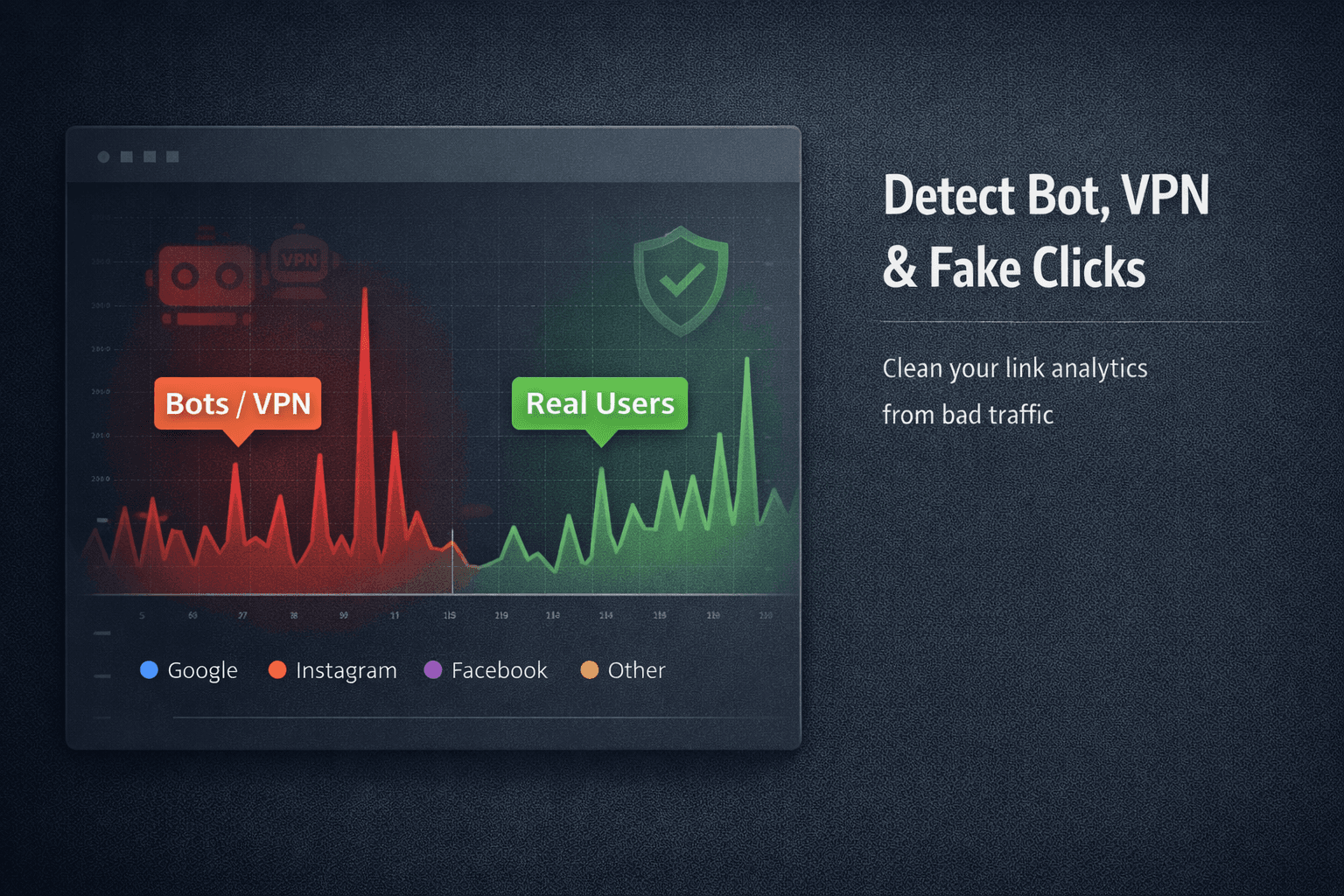
If your link analytics show thousands of clicks but no signups, no sales, and no engagement, you’re not looking at growth—you’re looking at noise.
Fake clicks don’t just inflate numbers. They:
- Corrupt analytics
- Break attribution
- Trigger platform suspicion
- Waste ad spend
- Destroy decision-making
This guide explains how fake traffic actually happens, how to detect it reliably, and how to separate real users from automated or manipulated clicks.
What Counts as a “Fake Click”
Fake clicks usually fall into three categories:
-
Bots
Automated scripts crawling links, previews, scanners, or abuse tools. -
VPN / Proxy Traffic
Humans hiding location and identity—often for fraud, scraping, or manipulation. -
Click Farms / Incentivized Traffic
Real humans, fake intent. Clicks without engagement or conversion.
All three distort analytics in different ways—but leave detectable signals.
Why Fake Clicks Are Increasing
Fake traffic is no longer random. It’s systematic.
Drivers include:
- Ad fraud campaigns
- SEO manipulation
- Affiliate abuse
- Competitor sabotage
- Platform link previews and scanners
As automation improves, raw click counts become meaningless without filtering.
The Mistake Most Teams Make
Most teams look only at:
- Total clicks
- Country breakdown
- Referrer counts
That’s not enough.
Fake traffic hides inside “normal-looking” metrics.
Detection requires behavioral analysis, not vanity stats.
Signal #1: Abnormal Click Velocity
Red flags:
- Dozens of clicks within seconds
- Identical time gaps between clicks
- Traffic spikes at odd hours consistently
Real users don’t behave like clocks.
Bots do.
Signal #2: Zero Engagement After Click
Watch for:
- Clicks with no scroll
- Instant bounce
- No downstream events
- No repeat visits
High click volume + zero interaction = artificial traffic.
Signal #3: IP & Network Patterns
Suspicious patterns include:
- Many clicks from a single IP range
- Data center IPs instead of residential
- Known proxy or VPN ASNs
- Rapid country switching per session
Real audiences cluster naturally.
Fake traffic clusters technically.
Signal #4: User Agent & Device Anomalies
Warning signs:
- Outdated browsers
- Headless clients
- Repeated identical user agents
- Missing device metadata
Normal traffic is messy.
Fake traffic is uniform.
Signal #5: Platform Preview vs Human Clicks
Messaging apps and social platforms often preview links automatically.
These previews:
- Trigger “clicks”
- Come from platform-owned IPs
- Do not represent real users
Without filtering, previews inflate analytics and confuse attribution.
Why Google Analytics Often Misses This
Google Analytics is page-centric, not link-centric.
It struggles with:
- Redirect-based tracking
- Previews vs humans
- Pre-landing interactions
- Short-lived sessions
- Multi-platform delivery analysis
This is why many teams see mismatched numbers between links and page analytics.
How to Clean Your Link Analytics
To get meaningful data, you need to:
- Track pre-landing behavior
- Separate preview traffic from user traffic
- Identify bots and automation
- Detect VPN and proxy usage
- Score clicks by trust, not volume
Without this, “growth” is just inflated noise.
Where ZipZy Fits
ZipZy focuses on link-level analytics, not just page views.
It helps you:
- See how each click behaves before landing
- Identify abnormal patterns early
- Filter obvious automation and preview traffic
- Understand which channels send real users
Clean analytics aren’t about more data—they’re about better data.
A Simple Reality Check
Take one campaign and ask:
- Do clicks lead to action?
- Are patterns human?
- Are locations and devices plausible?
If not, your metrics are lying to you.
Clicks are cheap.
Trustworthy clicks are not.
If you don’t detect fake traffic:
- You optimize the wrong channels
- You scale broken campaigns
- You lose credibility with platforms
Clean data is not a luxury.
It’s the foundation.